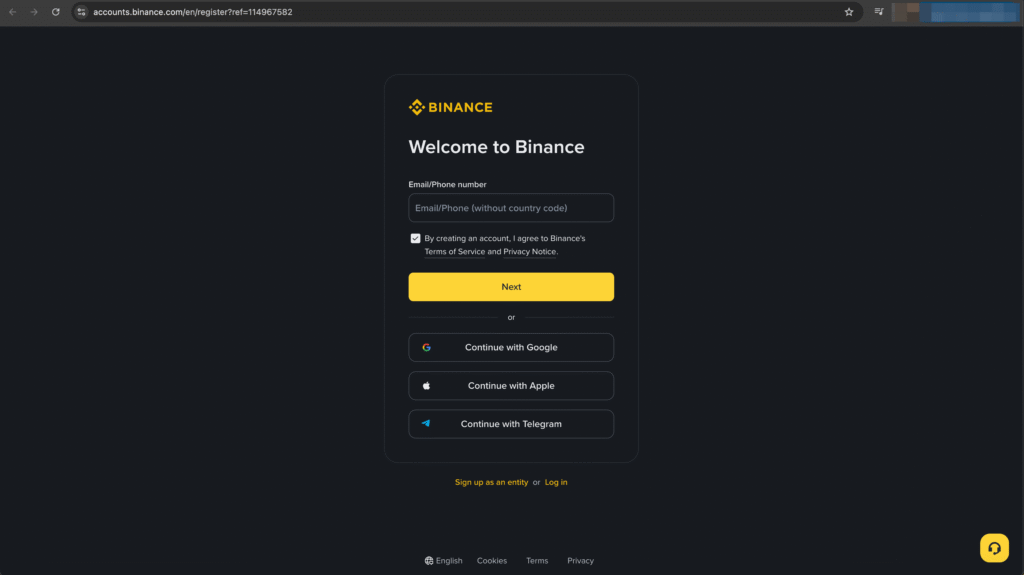
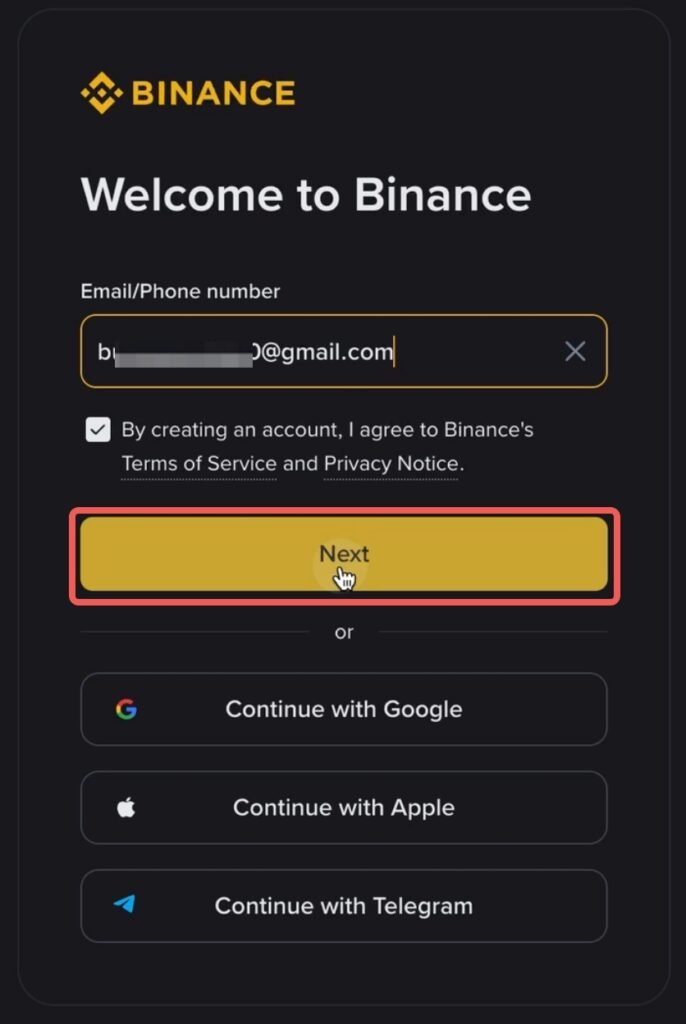
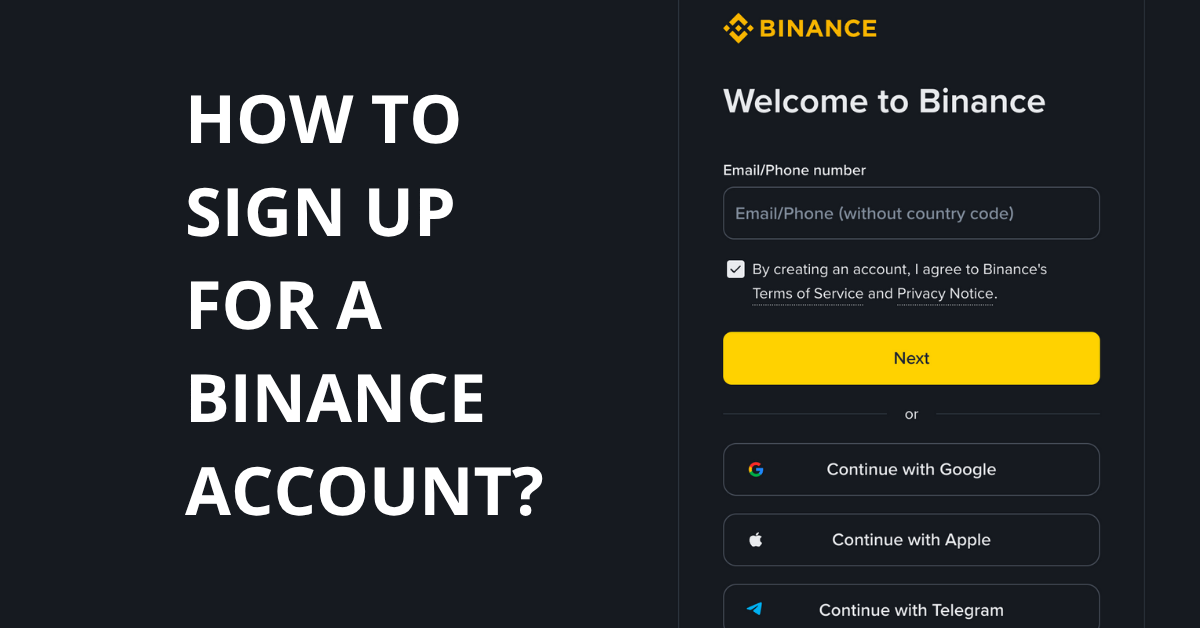
To create your Binance account, visit to the Binance registration page and you can sign up using your email address, phone number, or with your Apple/Google/Telegram account.
It’s a good idea to use a new email just for your trading. It keeps things organized and adds an extra layer of safety in case your personal email gets targeted.
Step 3
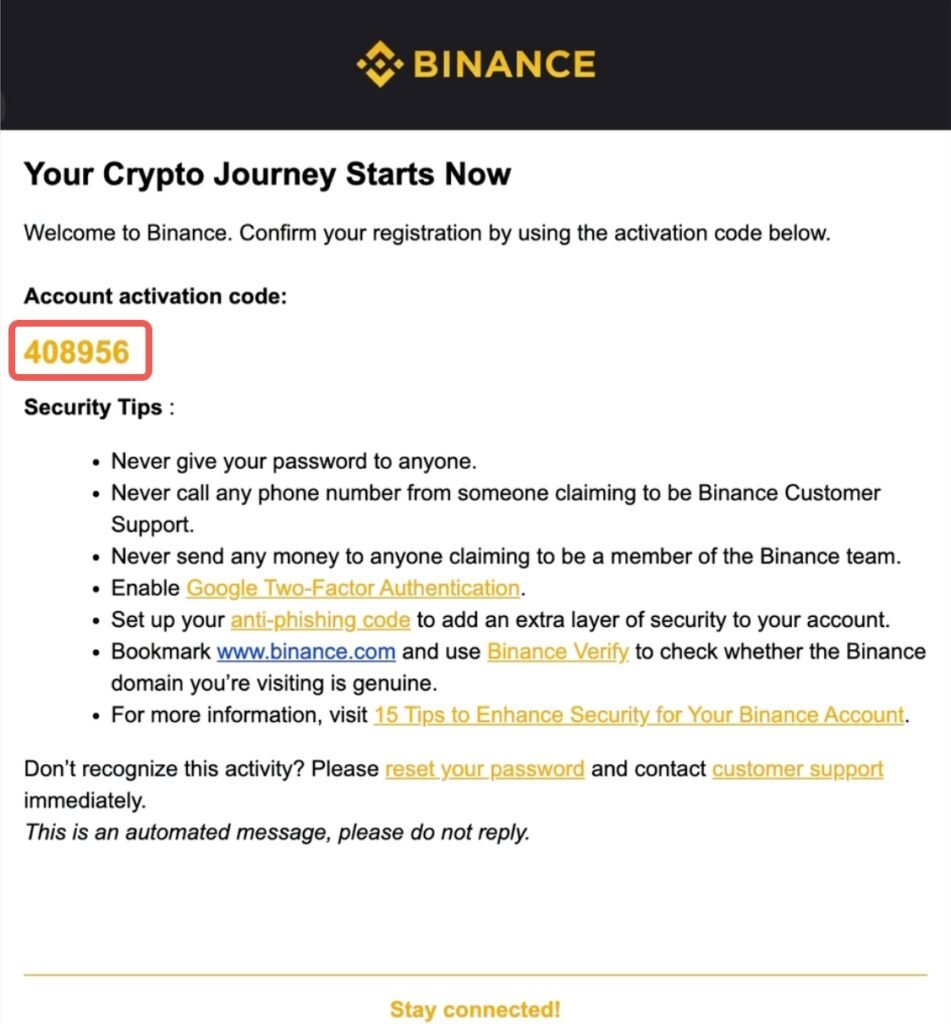
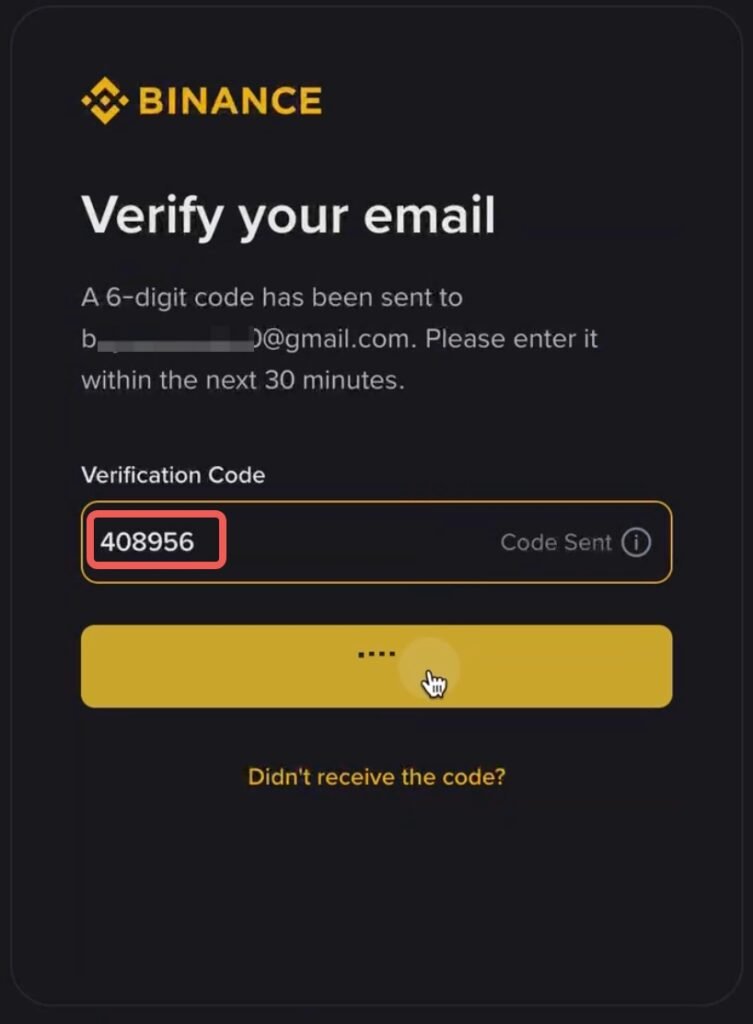
Binance will send a verification code to your email. Enter the code to confirm your account.
Step 4
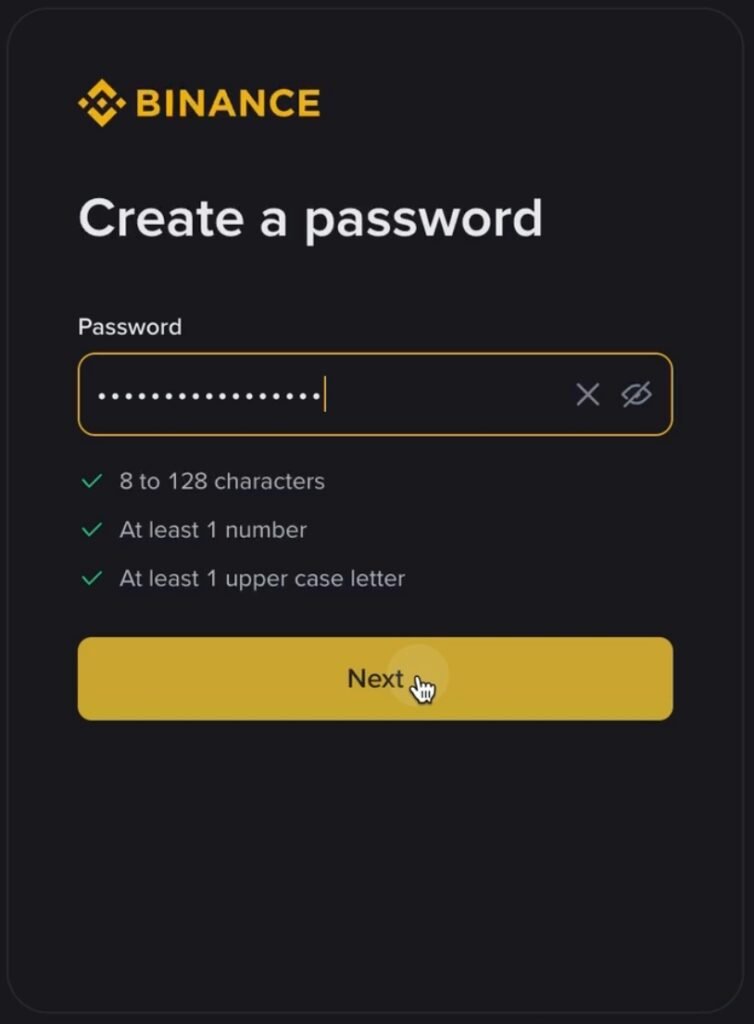
Create your login password and click “Next”.
In case you’re wondering, this is what a 128-character password looks like:
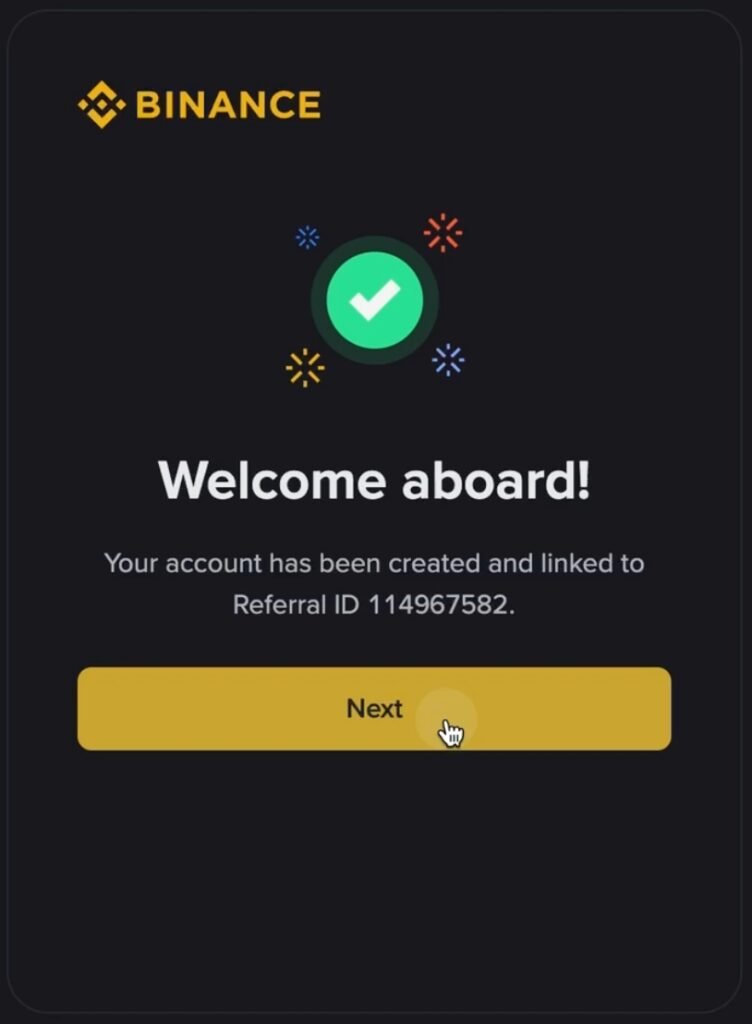
Congratulations! You’ve successfully signed up for your Binance account — welcome aboard!
Step 6
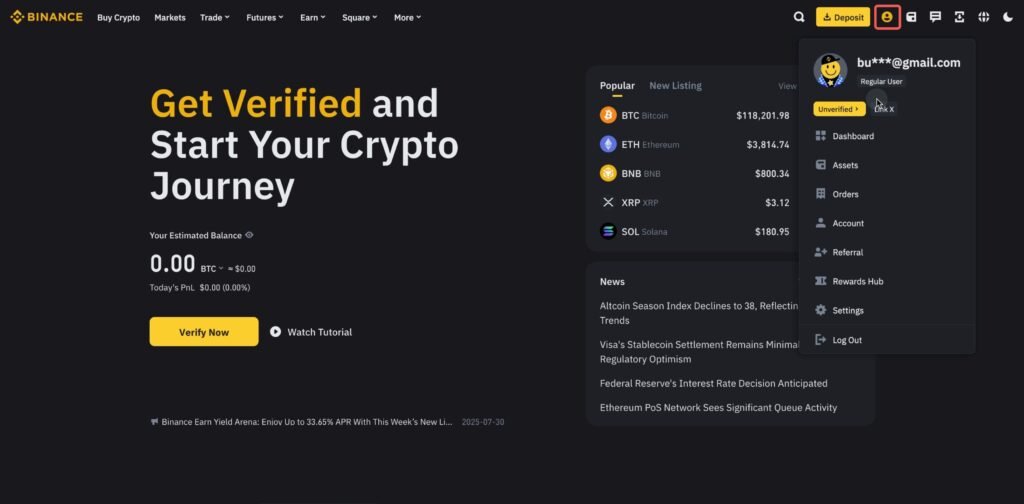
Click the human icon at the top right of your Binance homepage to access your account details.
Friendly Disclaimer:
Hey there! Just a heads-up — everything shared here is for learning and sharing purposes only. It’s not financial advice, and I’m definitely not your financial advisor. Some links on this site may be affiliate links. That means if you click and sign up or make a purchase, I might earn a small commission — but it won’t cost you anything extra. It just helps me keep creating useful content for you. Always do your own research before making any financial decisions. Your money, your responsibility. Stay safe and smart!